Moving to Linux: The Netbook is Your New Best Friend
As I dig a little deeper into Scribus, I’d like to take a detour to introduce all the writers on this site to your new best friend: the netbook. As many (if not most)…
The Writer's Technology Companion
A blog about writers and their tools
As I dig a little deeper into Scribus, I’d like to take a detour to introduce all the writers on this site to your new best friend: the netbook. As many (if not most)…
Sonja Faust is a romance writer living in North Carolina. This year she’ll do NaNoWriMo for the fifth time, after completing the challenge successfully twice. She’s published two short stories, “Love in Shadow” and…
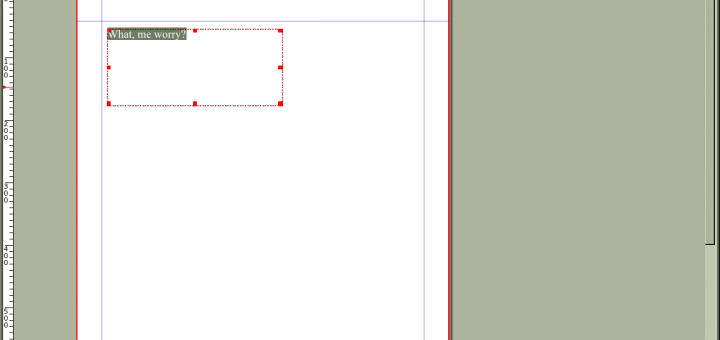
The proprietary software world also offers many tools for desktop publishing (DTP) from entry-level programs such as Microsoft Publisher to high-end applications including Adobe’s InDesign and FrameMaker or Quark Xpress. Adobe’s product are aimed…
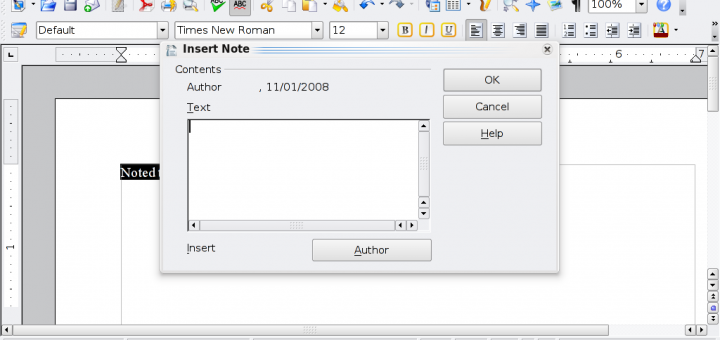
So, you’ve gotten your text, which is surely the twenty-first century equivalent of “Common Sense”. Back in those days, you would have sent your manuscript to the typesetter for printing; nowadays, you have something…
Though she hasn’t won her first two tries at NaNoWriMo, Trisha Bartle isn’t letting that get her down – this year she’ll try her hand again, hoping that the third time really is a…
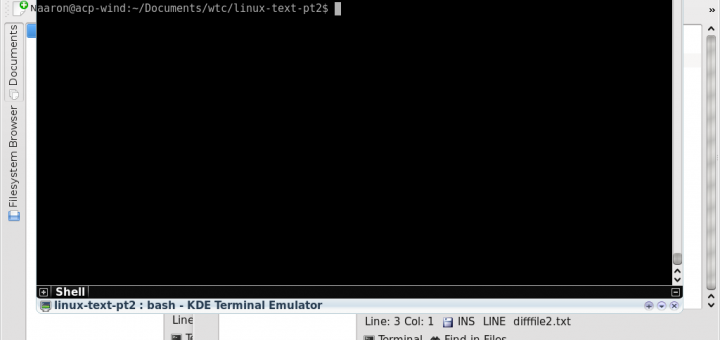
In the last installment, we examined how to compose and check your writing using the Linux tools txt2tags and aspell. Let’s assume that you’ve used these tools now – used them quite a lot. You now…
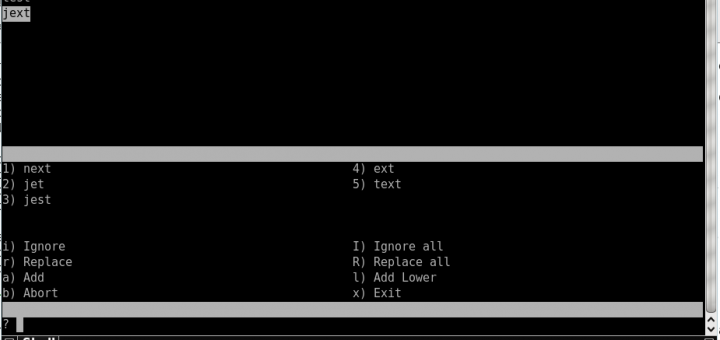
As I highlighted in my last post, plain text is an excellent medium for writers to begin their process. Actually, in many cases, plain text is a perfectly acceptable format for writers to end…
This is a guest post by Stephanie Stiavetti from Wasabimon. Stephanie has agreed to write a couple of posts for the site while I’m busy moving and getting ready for NaNoWriMo. Please welcome her…
One of the unlikely tools I end up using all the time as a writer is Skype. For the uninitiated, Skype is a voice over Internet application, allowing you to chat with other Skype…
To celebrate National Novel Writing Month in November, I would like to feature interviews with previous NaNoWriMo participants about the techniques and strategies they used and how well they worked. The interview will be…