The Writer's Technology Companion

Tools, Tips, and Technology for Productive Writers

5 Minutes Bookkeeping a Day Keeps the IRS Away

Entries for the ‘Software’ Category

Moving to Linux: Scribus for Writers

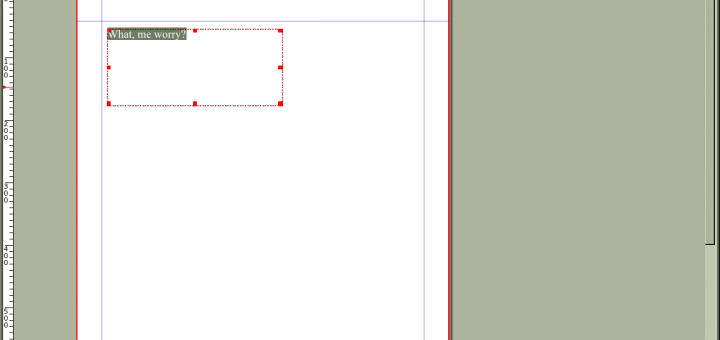
The proprietary software world also offers many tools for desktop publishing (DTP) from entry-level programs such as Microsoft Publisher to high-end applications including Adobe’s InDesign and FrameMaker or Quark Xpress. Adobe’s product are aimed at related but subtly different markets. InDesign is the product of choice for graphics professionals creating print materials such as flyers […]

Comments (6)

Moving to Linux: The New OpenOffice

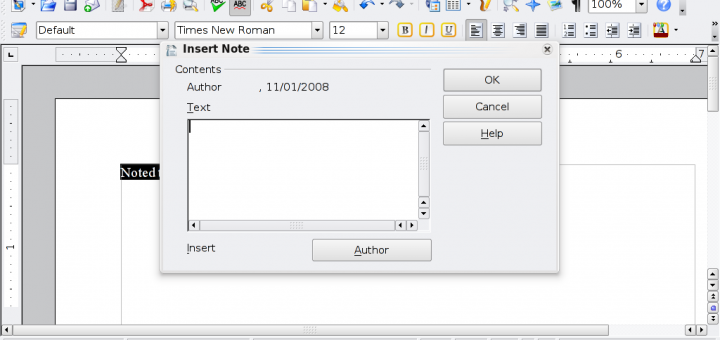
So, you’ve gotten your text, which is surely the twenty-first century equivalent of “Common Sense”. Back in those days, you would have sent your manuscript to the typesetter for printing; nowadays, you have something just as good inside your Linux box (PDF export). But how to utilize it? A word processor, of course. OpenOffice has […]

Comments (4)

Moving to Linux: Working with Text (Part 2)

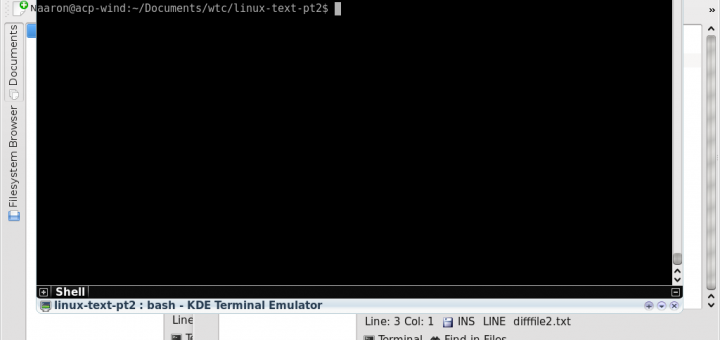
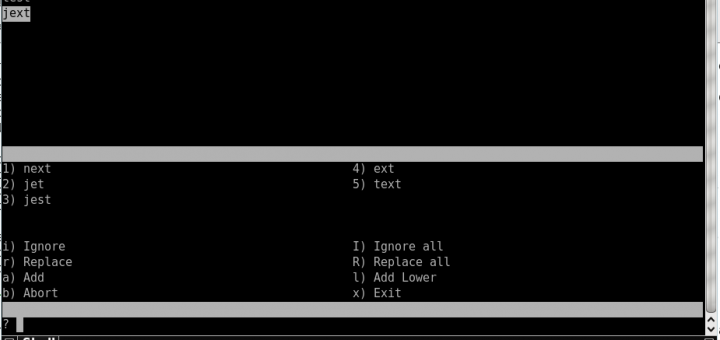
In the last installment, we examined how to compose and check your writing using the Linux tools txt2tags and aspell. Let’s assume that you’ve used these tools now  –  used them quite a lot. You now have several directories and sub-directories filled with dozens of text files. How to organize all of this text? Don’t worry, Linux has […]

Comments (2)

Moving to Linux: Working with Text (Part 1)

As I highlighted in my last post, plain text is an excellent medium for writers to begin their process. Actually, in many cases, plain text is a perfectly acceptable format for writers to end their process in as well, but for now, let’s assume that you’ll be moving your words to a different format such […]

Comments (4)

Moving to Linux: Tools for Writers

We writers are pretty easy to please when it comes to computing requirements. Writing can be achieved with the simplest of media: white screen, black text. As an avid free and open source software (FOSS) advocate, I’ve spent some time over the last few years writing on the Linux platform. I’ve come to discover that it’s […]

Comments (10)

Welcome Guest Host Aaron Peters

Joining Stephanie Siavetti as my guest while I straighten out my move and get the site prepared for NaNoWriMo (I’ve got about 10 or so interviews with former NaNoWriMo participants to post already, and more coming!) is Aaron Peters. Aaron is a writer of both fiction and non-fiction and a free-software enthusiast. He has worked […]

Comments (3)

Add “Print This” to Your WordPress Blog Posts with WP-Print Plugin

This is a guest post by Stephanie Stiavetti from Wasabimon. Stephanie has agreed to write a couple of posts for the site while I’m busy moving and getting ready for NaNoWriMo. Please welcome her to the site, and do yourself a favor by visiting her site too! I visit a lot of blogs as a part […]

Comments (17)

More on Mind-Mapping – and a Contest!

Image by sirwiseowl via Flickr In my series on collecting and organizing ideas, I discussed mind-mapping as a brainstorming tool. Mind-mapping is a kind of free-association method in which ideas are generated by association with a central idea, and then each of the generated ideas in turn becomes a source of inspiration for further brainstorming. […]

Comments (19)

The Writer’s Skype Toolkit

One of the unlikely tools I end up using all the time as a writer is Skype. For the uninitiated, Skype is a voice over Internet application, allowing you to chat with other Skype users for free just like you would over the telephone. In fact, for a small per-minute charge, you can even call […]

Comments (6)

Gather Ye Rosebuds While Ye May”: Tips for Collecting and Organizing Ideas, Part 4 — Organizing Your Thoughts

Image by ecstaticist via Flickr The hardest part of any project for me is getting my notes and captured thoughts into some sort of usable format. That’s one of the reasons why I like conputerized note-taking systems like Evernote so much  –  it organizes for me by creating notebooks and allowing me to tag each entry. But Evernote […]

Comments (3)